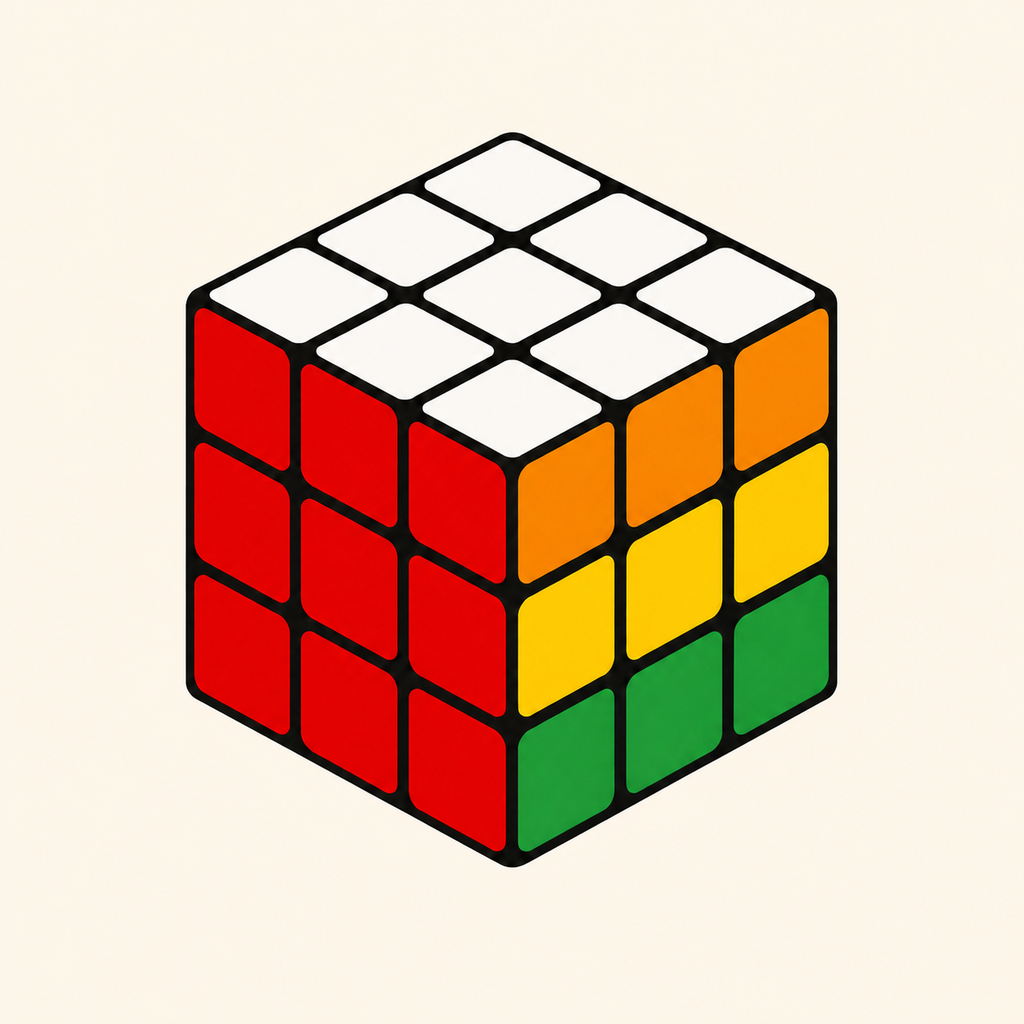
Which cubes does CubeSight support?
CubeSight currently supports standard color-based 3×3×3 cubes. Picture cubes, mirror cubes, and other sizes are not supported.
CubeSight support
Find quick answers below, or send us a note with your device model, software version, and the step where you got stuck.
Email supportCubeSight currently supports standard color-based 3×3×3 cubes. Picture cubes, mirror cubes, and other sizes are not supported.
No. Enter each sticker manually using the six-face cube net. CubeSight does not request camera access.
CubeSight first checks that every color appears nine times and that the entered pieces describe a physically possible cube. Follow the highlighted validation guidance and recheck the affected stickers.
Your draft, verified solves, and playback progress are stored locally on the device where they were created. iPhone and Apple Vision Pro histories are independent.
Yes. The Apple Vision Pro app includes manual entry, solving, history, and spatial instructions and works independently.