01
Enter every sticker
A clear six-face cube net makes each color easy to enter, review, and correct. Fixed centers define the cube exactly as you hold it.
Private by design · Built for Apple platforms
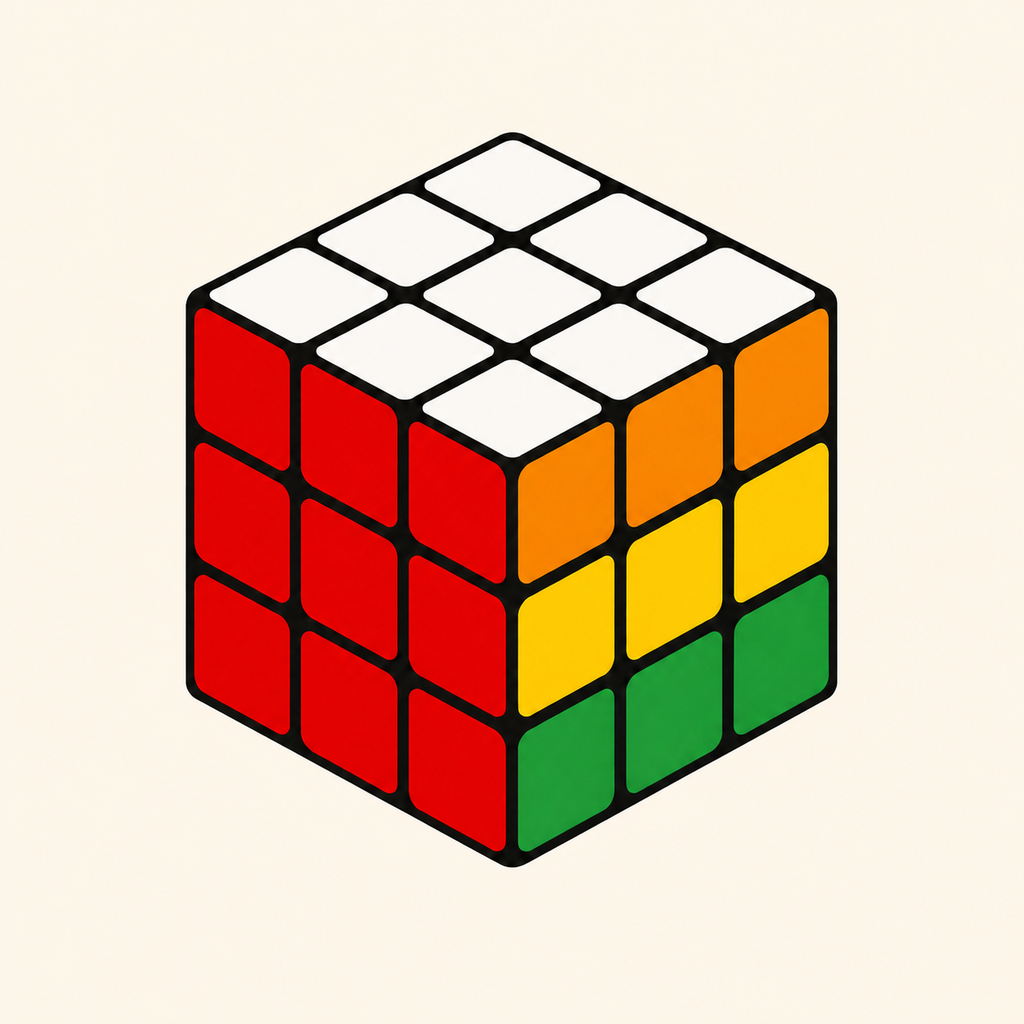
CubeSight turns a manually entered 3×3×3 cube into a verified, step-by-step solution on iPhone and Apple Vision Pro.
Available now · Free for iPhone and Apple Vision Pro
3×3×3Standard cubes
On deviceValidation & solving
VerifiedBefore every solution
IndependentiPhone & Vision Pro
How it works
CubeSight makes the careful parts clear, then lets the cube do the teaching.
A clear six-face cube net makes each color easy to enter, review, and correct. Fixed centers define the cube exactly as you hold it.
CubeSight checks pieces, orientation, and parity before solving, then points you toward the stickers that need another look.
Step through verified moves with plain-language guidance and an interactive 3D cube—at your own pace.
A cube you can move around
Rotate the virtual cube, advance one turn at a time, or play the whole sequence. Plain-language instructions stay alongside every move.
Privacy is part of the solve
CubeSight does not use a camera, create an account, show ads, or send your cube to a server. Normal solving and history stay on your device.
Read the privacy policyCubeSight for iPhone + Apple Vision Pro